In the late '90s I was asked to do image segmentation of multispectral data of brightfield microscope data. That is, given a picture of a bunch of cells, find all of the cells. There were two problems: image segmentation of sick cells is really hard (they're very blobby & fragmented), and the computer I had available took more than 20 minutes per image.
It was literally both cheaper and faster to have a grad student count the cells.
Let's be clear though: the researchers weren't interested in the cells; they were interested in having a pretty-darn-good count of cancerous cells vs. non-cancerous cells. Turns out, cancerous cells were a different color (brighter blue * brighter green) than healthy cells. So, instead, I just converted every image into RGB 3D space, counted all the pixels near 'dark green * dark blue', all the pixels near 'bright green * bright blue' then divided by the average area (in pixels) of each type of cell. The resulting counts were within 1% of the value the grad students could get, and the ratio was even more accurate.
We could get the cell count in a single linear, forward pass, as fast as the camera could take pictures.
Sounds a lot like the simplifications I made to be able to process 3D Kinect data at near full speed on an ARM CPU with no FPU.
Instead of trying to segment objects, remove backgrounds, do skeleton tracking, etc., just count pixels that fall within a 3D bounding volume.
Simple solutions are sometimes underappreciated. It helps, as you allude to after "let's be clear," to know what problem you really are trying to solve.
Sorry if this is a stupid question, but can't you do this without converting the image into an RGB 3D space? (i.e. iterate through the pixels and count the ones within a certain range of what you want)
You don't have to actually reify the conversion (as in, create a data structure that holds the new representation in memory). When they say that they converted the image into RGB 3D space, it was probably mainly conceptually, to give meaning to "nearness." I'd guess the only data they kept track of as the image streamed off the camera were two integer counts.
I wish I had more examples of algorithms where it is best explained as acting on a data structure that is not actually present, but all I can think of right now is using generators to represent a list.
i love these kinds of problems, because it seems like there is often a really simple solution like that. just finding something different in a very simple feature like color, or shape, or size, or location. there is a reason our brains pay attention to these kinds of things!
This reminds me of a machine vision application for large-scale bakeries. When you bake bread, the color of the surface changes as the bread rises and completes the baking process.
In the application I remember, the average color of a loaf was tracked on an RBG plot as a function of time. The idea was that the baking process followed a trajectory in the RGB space that was dependent on the temperature of the oven and the elapsed time. This can be used as feedback for process control-- to signal when to pull out the bread or to change the temperature.
In a similar way the color of paintings change as they age. The individual points in the OP's plots could be parameterized in time and according to paint's chemistry. It might be possible, after some calibration studies, to accurately simulate aging. Or better, simulate the reversal of aging to show what an old aged painting looked like when it was new.
I did the same thing for browning of french fries. It turned out that RGB was too highly correlated to be efficient so I mapped into an "application specific" color space where the rate was pretty much along a straight line. Kind of like HSV but more specific to the actual cucumber shape of the RGB distribution.
This is really cool! I'm a painter and have spent a long time doing gamut analysis of paintings.
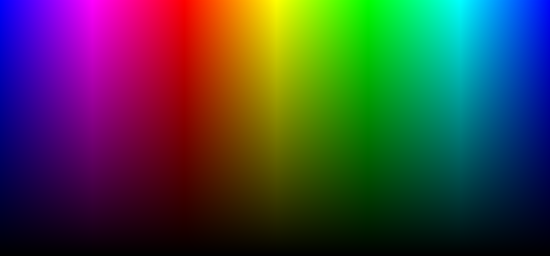
Thank you for including both HSV and HSL. Not enough people appear to understand/care about the difference between the two, and for painters the distinction is everything.
I'd guess it's because mixing colors in paint is subtractive—if you mix every color you get black. Whereas with light, mixing colors is additive—if you mix every color you get white. In HSL, fully saturated colors have .5 brightness, and adding white or black changes the brightness but not the saturation. My guess is that works more similarly to paint than HSV does.
Both are absolutely terrible for painting (or any other human purpose, especially things like this scatterplot), and should be replaced with some perceptually relevant model.
(Disclaimer: I largely wrote the wikipedia article about HSL and HSV, years ago.)
Well, there's another neat thing that you can do if you want to generate an interesting 2D -> 2D representation:
* Take fourier transform of the image for each color R, G, B
* Randomly scramble the phase of the transformed image.
* Perform the fourier inverse of that scrambled phase image.
The result is another 2D image with the same colors AND spatial frequencies as the original image. It looks like you took the original photo and vaporized it into gas. Interesting.
Yes, another way : take a colored picture, sample as many points as there are pixels on the surface of the 3D-object, then for each pixel of your picture pick without replacement its closest remaining color in your 3d object 'color palette'. The looping order still grants some artistic liberties.
The answer is quite obvious. You could start off with a grayscale 2D image on one side, and a pretty dotted 3D object on the other side. You'd then read the coordinates of the 3D object in a specific color space to obtain color values which you can pretty randomly (or even judiciously) apply to the grayscale image.
Now I would pose another question: would it be possible to make a human-recognizable 3D-object in all the four color spaces that is also a pretty picture in 2D?
Clever to start out with a greyscale image! But it still poses some constraints, let's say if we start with an all black image for an edge case to demonstrate the limitations, we can only have a 2D pattern in the 3D space, right?
However the luminance component of the image could probably be adjusted within certain error margins and vice versa. Perhaps by some form of bruteforce!
Has a few extra features like being able to see different visualisation methods and how basic colour correction influences those - also animates the visualisation while going through the image
Realluy caught me off-guard because I used both the starry sky and the monalisa painting back in the days as well!
There is a really cool use of clustering with these scatterplots to do color quantization (i.e. reducing the number of colors).
If you want 16 colors, just find 16 clusters and their centroids (e.g. let k=16 for k-means clustering). Replace each pixel with the closest centroid. Then, your image is quantized (and can perhaps be stored more efficiently)!
There is nothing specific about color here - the same approach can be used for intensity re-quantization for example.
Effectively you are non-uniformly resampling based on distribution, so relative values/distances go out the window but you keep "detail" in the lower fidelity signal.
Partly it is because real objects are often made out of a single colour. The camera sees different parts of the object under different lighting conditions. That mainly only changes the brightness. Specular highlights also desaturate the base colour, but nothing changes the hue. So all the pixels for that object tend to be aligned on a plane in the colour space plot.
In the example images, the sand in the sand+sky picture is the only thing this is really true for.
Imagine you have a flat red piece of card in a photographed scene. If the lighting is just right and the card is matt, you could get all the pixels of the card in the image to be the exact same colour. That would be a single point in the colour space.
Now imagine you rolled the card into a cylinder. The result would depend on the lighting, but most likely you'd be able to see some shading across the object, so that there are some darker and lighter pixels. In, the HSV colour space you'd now have a line - all the H and S values for those pixels would be the same, but there would be a range of values for V.
Now imagine you replaced the matt card with a shiny piece. You might see a whitish specular highlights where the object reflects a light source or the sky. The added whiteness would have made some pixels have a lower saturation (S). So now you have variation in S and V, but not H. That would form a plane in the HSV plot.
The original values are 3 dimensional and therefore best represented in a cube. If HSV is used, the hue is isolated to one dimension, which would represent the circumfrance of the color wheel you’re thinking of. The colors around the circular surface of your cylinder could be calculated from that, but you would be left with only one more display dimension and 2 more values: value (brightness/darkness) and saturation. You could only display one of them in the single empty dimension left in the cylinder.
Another way to explain why a cylinder is only good for representing two dimensions is simply that a circle asserts that length(x) == width(y) leaving only 2 values represented by a cylinder: (x,y) and z.
Hmm, I guess someone would have thought of that, but this could probably be used for compressing images by reorienting the color axes so that one of them is perpendicular to this color plane, and then sending less information about that coordinate.
Yeah, you can use principle component analysis to figure out the transform to make the colour space "optimal" for compression of a specific image. I tried that once:
There are plots at the end of part 3 showing the image channels separately for YCrCb and my custom PCA derived space. They clearly show that there's a lot less duplication of data between channels with the latter. And that in turn is obviously good for compression.
I'm not sure. It's hard to say because RGB is a bad representation of the color semantics anyway. Try visualizing the images in HSV/HSL/LAB space instead.
Tons of artistic applications.
I can’t think of anything this visualization gives that standard scopes in software like Nuke don’t provide, but those are not as intuitive or quick to read.
Color in image reproduction is notoriously difficult to measure by simply looking at a whole image. Much of what we perceive as color characteristics are contextually dependent. And while the characteristics may not vary, the level of contextual dependence seems to. Females are more likely to have more reliable contextually affected color perception than males.
This kind of visualization is useful to understand why filming an actor in front of a green screen makes sense for special effects.
If you look at such an image, you will have two clusters of pixels, one for the green screen, and one for the actor. By selecting the appropriate cluster you now know which pixels you need to replace for compositing your actor in front of a CGI background.
It currently takes around ~0.3s on average to extract the colors. However, with my new PR (https://github.com/jathu/UIImageColors/pull/54), it takes around ~0.14s on average. IMO this is still slow, I would like to bring it below 0.1s.
I tried to optimize this with k-means to reduce total number of colors, but the result was slower and worse color choices. If anyone has methods to improve the performance, please make a PR.
With 24 bit color you can create an array with an element for each of the 16 million colors and just build the histogram. Running k-means on that is going to be less efficient than just making the histogram buckets larger, e.g. 2x2x2 = 8 colors per bucket, or whatever. So yeh you should be able to do that in a few milliseconds I would have thought. For more speed look at using SIMD instructions.
I too have been playing with color quantization as an exercise so I won't like at your library as I've been trying to do it all on my own and don't want to see other approaches yet, but here he is not quantizing them so his is going to be faster. Also there really is a trade off in trying to reduce the number of pixels and then clustering versus just clustering on them all. How many times you loop and how much those loops costs isn't as cut and dry as I thought.
What takes so long in your approach? I would think extracting simple statistical values from an image is a very easy to vectorise and parallelise task.
Just in case the author is here, I tried on an iPad Pro, and got "WebGL is not supported by your browser". WebGL is in fact supported by mobile Safari, so I'm guessing this site is using a user agent whitelist or some other fallible method of detecting WebGL. The best way to detect WebGL support is to attempt to create the 3d context and wait until after it actually fails. That, or simply do not check for WebGL failure; the browsers all handle it anyway.
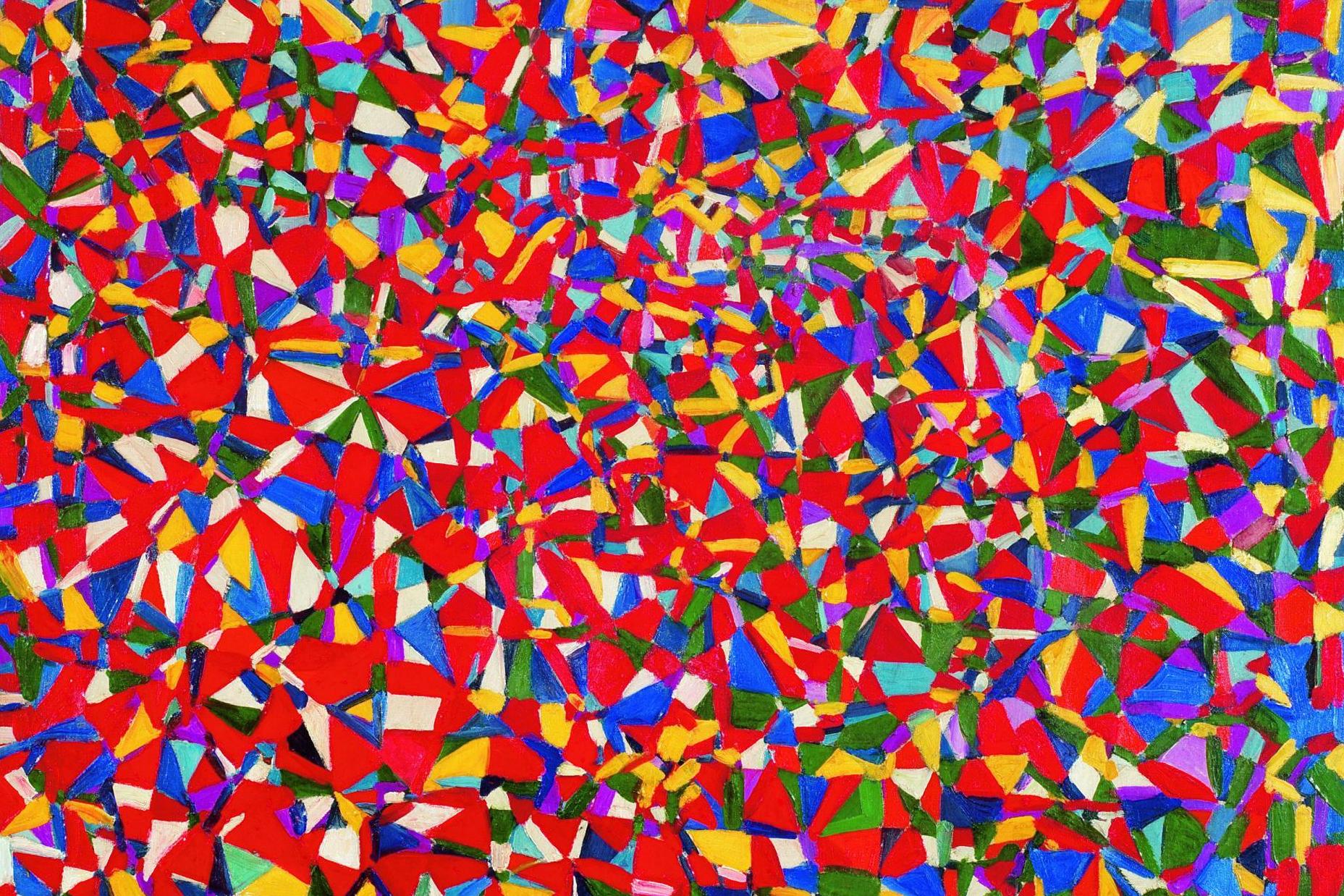
This is a good illustration of why this algorithm which reorganizes paintings into 2d color palettes works
Using these scatter plots ou can see how you would use the principal components to lay out the pixels on a 2d surface
https://github.com/ardila/paintingReorganize/blob/master/REA...
I daresay technically this applies to all useful visualizations of the data. I don't think they'd be very useful if they weren't, in some way, based on the pixel values.
For simple data visualization, Plotly.js is easier to use with another data-friendly language like Python or R, which has libraries which push the data into a web-friendly format (including 3D WebGL charts like these)


.jpg)

It was literally both cheaper and faster to have a grad student count the cells.
Let's be clear though: the researchers weren't interested in the cells; they were interested in having a pretty-darn-good count of cancerous cells vs. non-cancerous cells. Turns out, cancerous cells were a different color (brighter blue * brighter green) than healthy cells. So, instead, I just converted every image into RGB 3D space, counted all the pixels near 'dark green * dark blue', all the pixels near 'bright green * bright blue' then divided by the average area (in pixels) of each type of cell. The resulting counts were within 1% of the value the grad students could get, and the ratio was even more accurate.
We could get the cell count in a single linear, forward pass, as fast as the camera could take pictures.